
If you are using the April 2025 free ESXi 8.0 Update 3e iso and wish to update it with the latest available patch you can use the following steps.
The full April 2025 ESXi 8.0U3e ISO version is:
VMware vSphere Hypervisor (ESXi ISO) image
VMware-VMvisor-Installer-8.0U3e-24677879.x86_64.iso(618.34 MB)
Build Number: 24677879
Login to https://support.broadcom.com/ with the original account you used to download and install the original ISO.
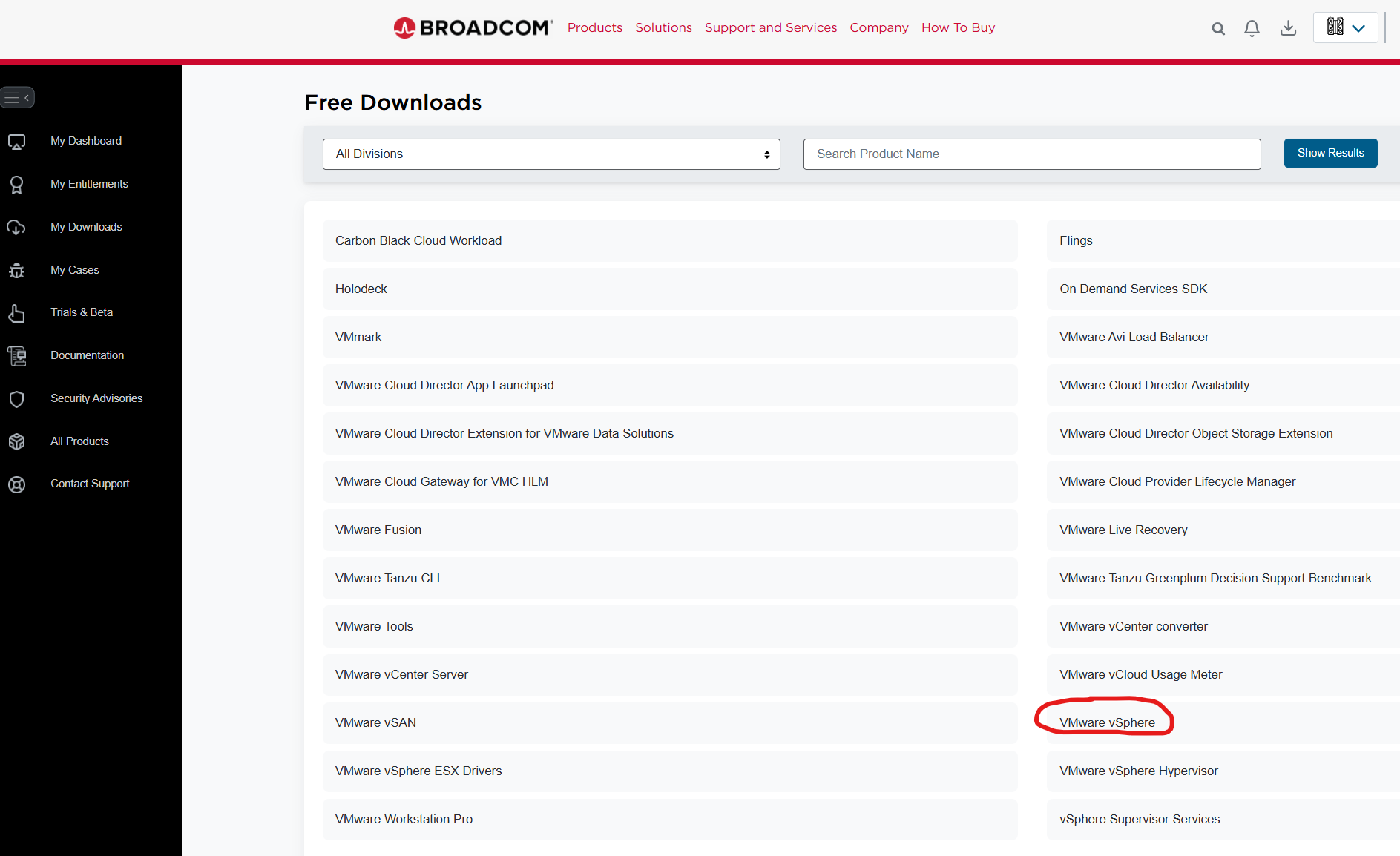
Select My Downloads and click Free Software Downloads available HERE link.

Click VMware vSphere
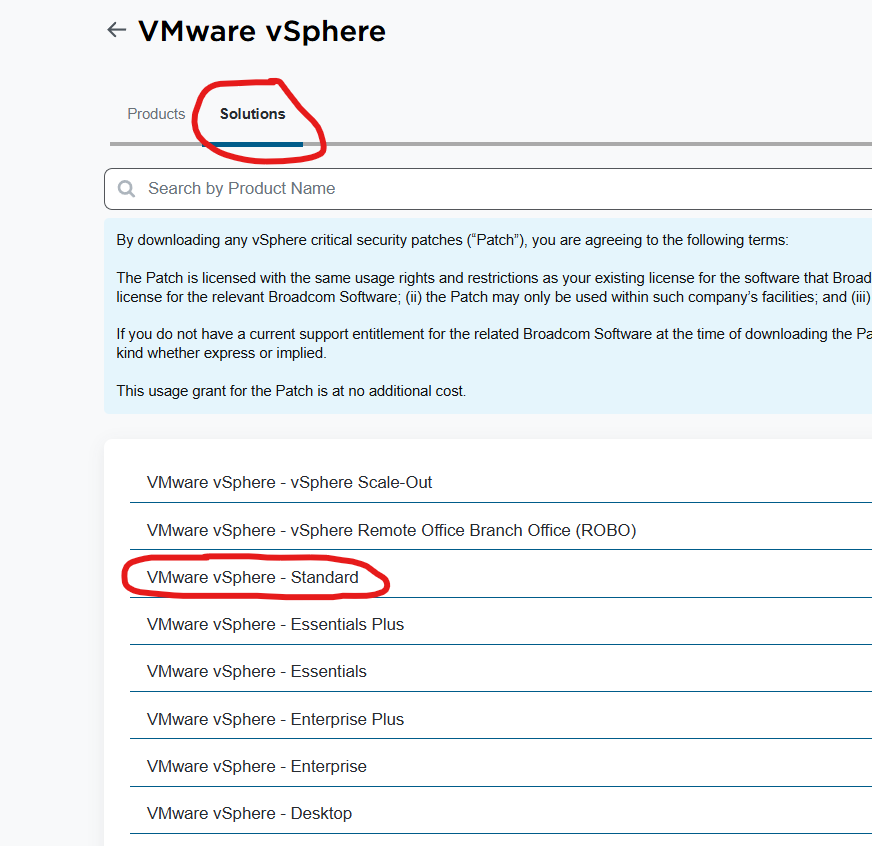
Click the Solutions tab and VMware vSphere – Standard
Download the latest depot zip file that’s available for your version.

Login to your ESXi host and upload the depot file to one of your datastores.
Enable TSM-SSH service in your host service
SSH to the host
Use the following command to verify available profiles:
esxcli software sources profile list -d /vmfs/volumes/{your datastore name and folder}/VMware-ESXi-8.0U3f-24784735-depot.zip
Use the following command to apply the patch for this example:
esxcli software profile update -d /vmfs/volumes/{your datastore name and folder}/VMware-ESXi-8.0U3f-24784735-depot.zip -p ESXi-8.0U3f-24784735-standard –no-hardware-warning
where -p = one of the profiles listed from the first command.
Reboot your server.